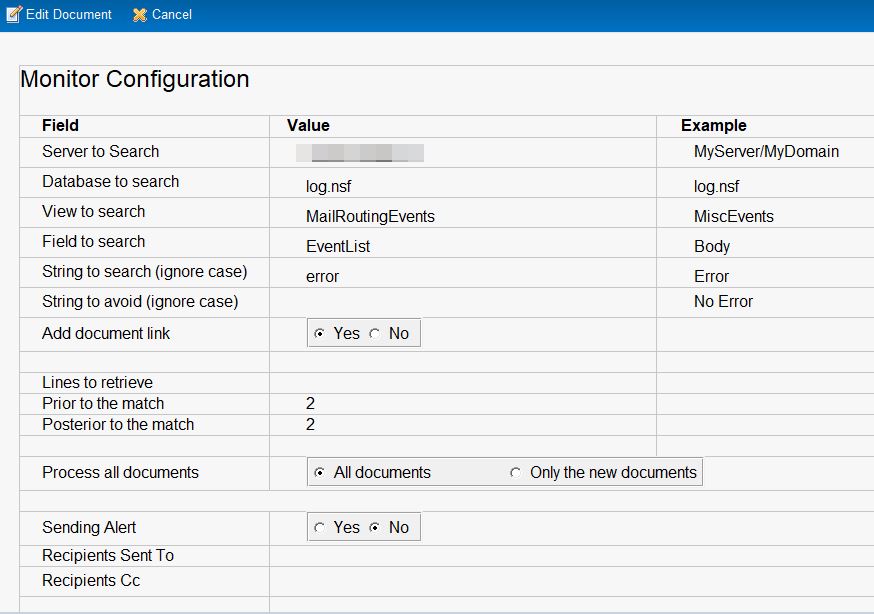
Log Monitor & Reports
We are using an application to create reports from the log.
Then we extend it to all the database.
This application allows you to generate reports based on matches of a list of keywords contained in documents. The initial goal was to search in log.nsf, but the scope has since been broadened.
The application can search on any server, in any database, any view, and any field.
The application contains one configuration document per report.
It can hold an unlimited number of configuration documents.
For each configuration document, a daily report can be generated and sent to the administrator.
A report is generated only if:
the database to be searched is on the same server, and the result contains at least one match.
The database is designed to be replicated across multiple servers, and it can hold configurations for several servers and databases.
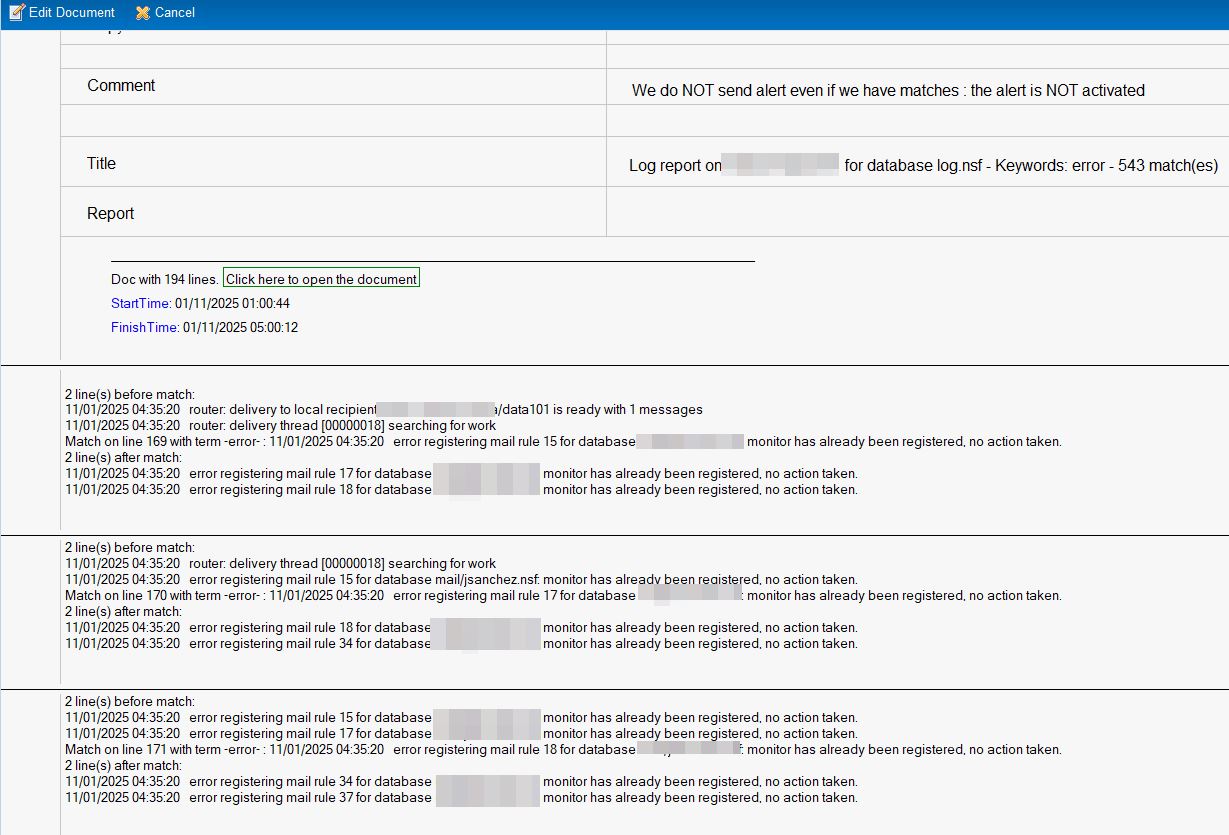
The application searches for keywords and saves any matches in a new Notes document, also called “the report.”
The search can target all documents in a specified view, or only those that have never been searched for this configuration.
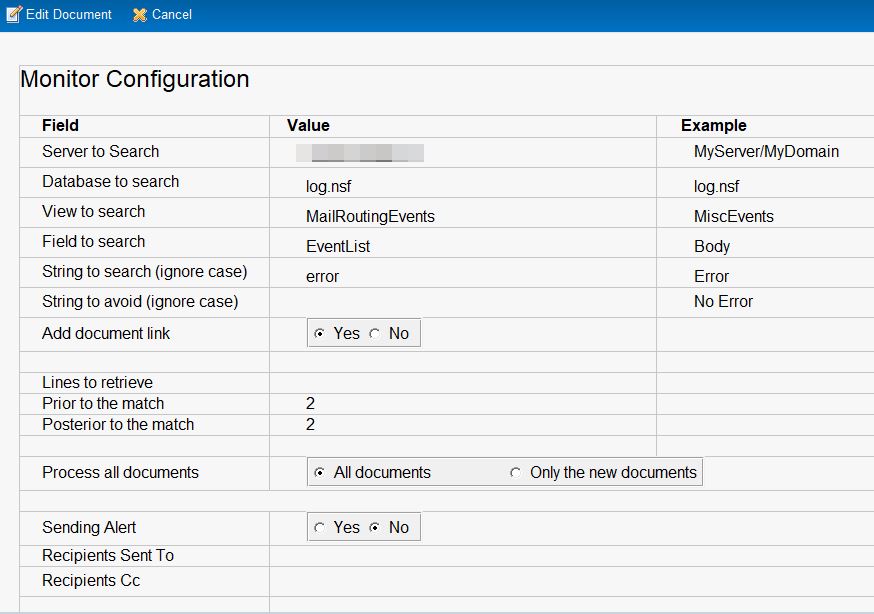
Configuration Document
Each configuration document contains:
- Server to search
- Database to search
- View to search
- Field to search
- Keywords to search (separator: comma ,)
- Keywords to avoid (separator: comma ,)
- Option to add a document link to the Notes document containing the match
- Number of lines to retrieve before a match
- Number of lines to retrieve after a match
- Scope of analysis: all documents, or only documents that have never been searched
- Boolean field to activate email alerts
- Send To field
- Copy To field